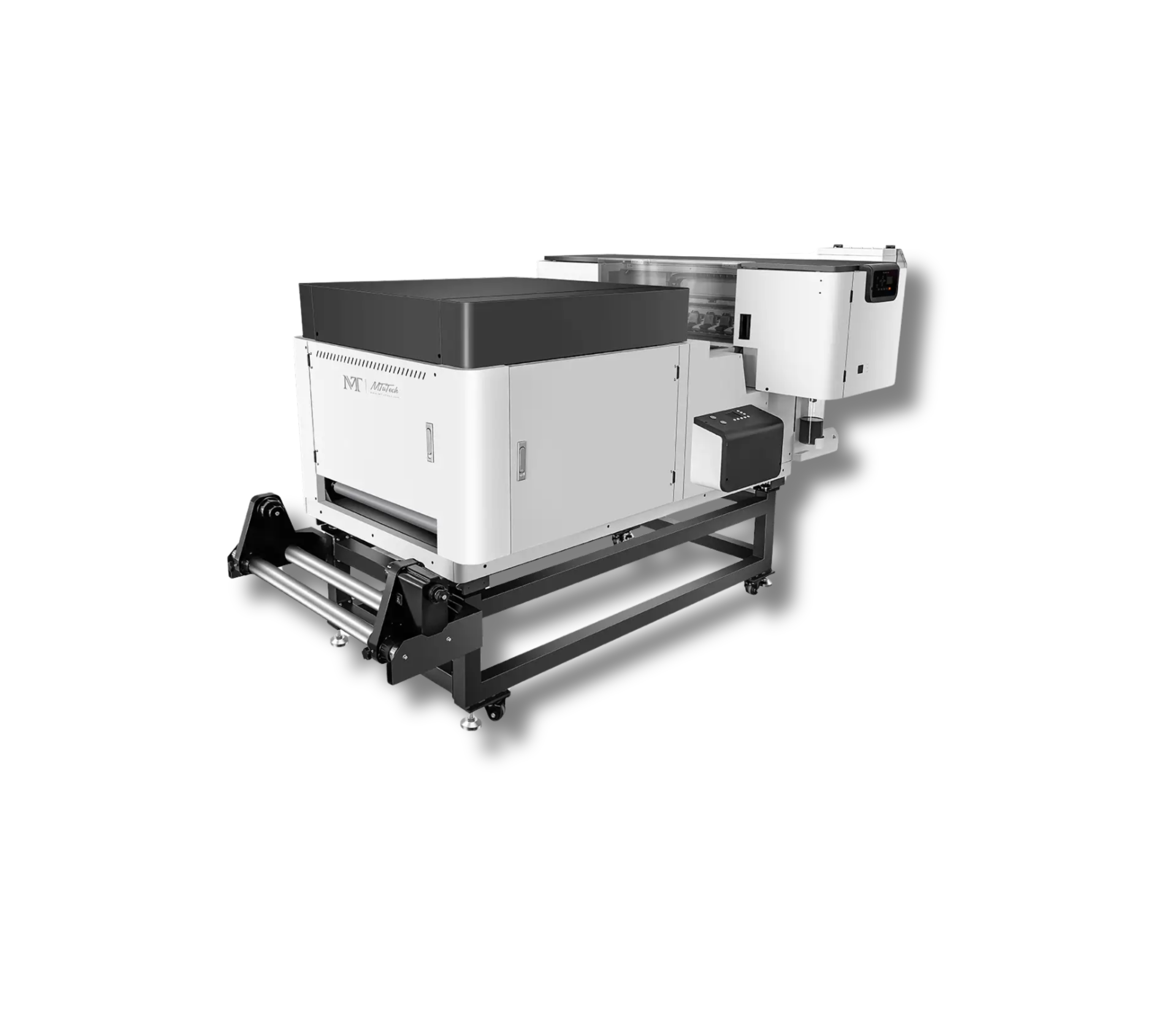
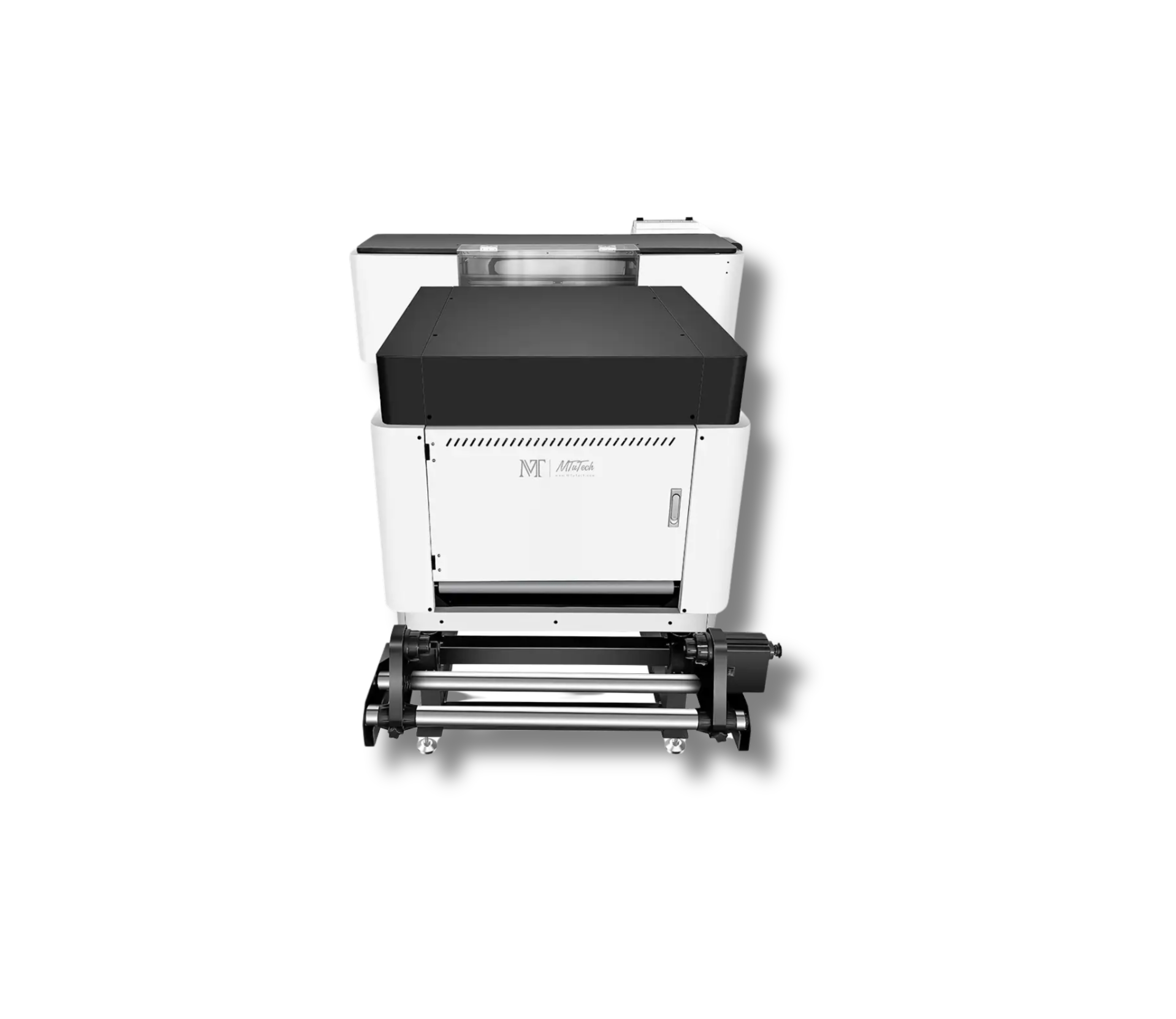
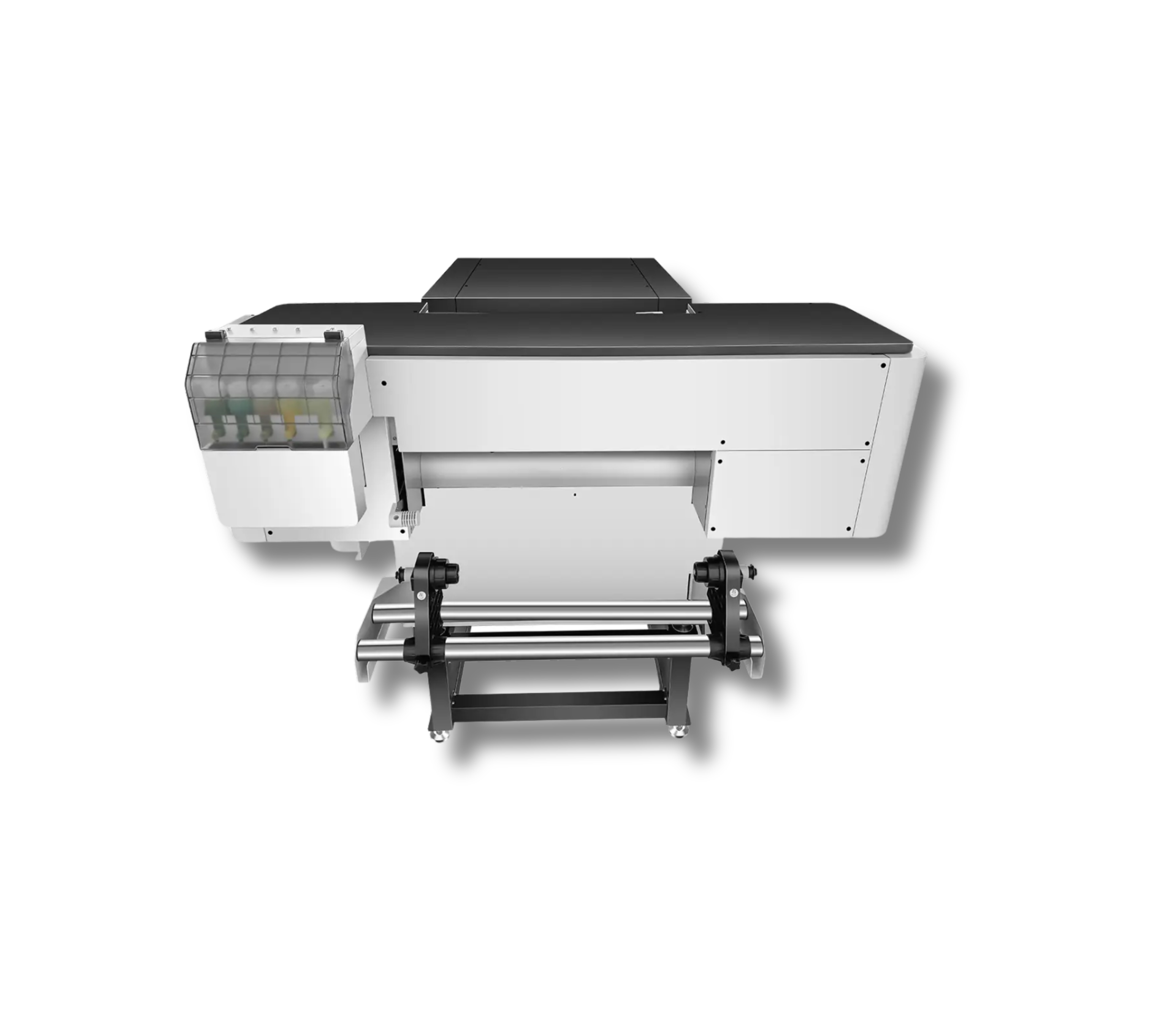
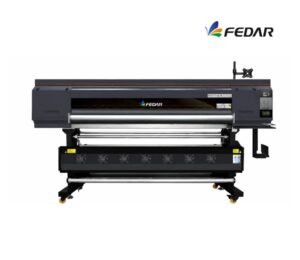
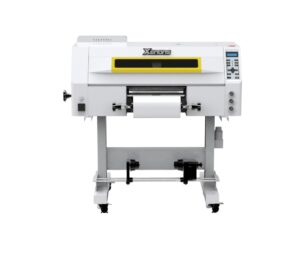
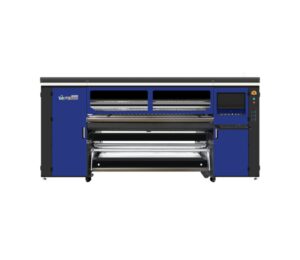
2 cabezales Epson I3200
M TU Tech
Descripción
Description
Maximum print width: 600 mm
Maximum speed: 20 m²/h
Compatible media: 620 mm PET film
Number of printheads: 2 Epson I3200
Compatibility: Windows 10, Windows 11
Textile Compatibility/Rigid Fabrics:
100% Cotton
100% Polyester
Cotton/Polyester Blends
Lycra – Elastane
Fleece – Rustic – Jersey
Sports Fabrics
Dark, Light, and Brightly Colored Fabrics
Denim / Jean
TNT (Non-woven Fabric)
Leatherette and Some Flexible Synthetics
Maintenance
- Dust-Free Environment Keep the work environment dust-free to prevent it from affecting printing.
- Temperature and Humidity The machine should operate at a temperature of 25–30°C and a humidity of 40–60%.
- Platform Cleaning Keep the entire printer tidy and clean, removing dust from friction areas.
- Cleaning the Underside of the Printhead Move the carriage to the cleaning position, clean the underside of the printhead with a non-woven cloth dampened with cleaning fluid or distilled water, removing dirt from the printhead and surrounding areas.
Related Products
-
2 cabezales Epson I1600Maintenance
- Dust-free environment Keep the working environment dust-free to prevent it from affecting printing.
- Temperature and humidity The machine should operate at a temperature of 25–30°C and with a humidity of 40–60%.
- Platform cleaning Keep the entire printer tidy and clean, removing dust from friction areas.
- Cleaning the bottom of the printhead Move the carriage to the cleaning position, wipe the bottom of the printhead with a non woven cloth dampened with cleaning fluid or distilled water, removing dirt from the printhead and nearby areas.
Max width: 300mmSpeed: 7.1 m2/hMedia: Pet Film 320mmRequest a quote -
2 cabezales Epson I3200Maintenance
- Dust-Free Environment Keep the work environment dust-free to prevent it from affecting printing.
- Temperature and Humidity The machine should operate at a temperature of 25–30°C and a humidity of 40–60%.
- Platform Cleaning Keep the entire printer tidy and clean, removing dust from friction areas.
- Cleaning the Underside of the Printhead Move the carriage to the cleaning position, clean the underside of the printhead with a non-woven cloth dampened with cleaning fluid or distilled water, removing dirt from the printhead and surrounding areas.
Max width: 600mmSpeed: 9 m2/hMedia: Pet Film 620mmRequest a quote -
2 cabezales Epson I3200
- Maintenance Dust-Free Environment Keep the work environment dust-free to prevent it from affecting printing.
- Temperature and Humidity The machine should operate at a temperature of 25–30°C and a humidity of 40–60%.
- Platform Cleaning Keep the entire printer tidy and clean, removing dust from friction areas.
- Cleaning the Underside of the Printhead Move the carriage to the cleaning position, clean the underside of the printhead with a non-woven cloth dampened with cleaning fluid or distilled water, removing dirt from the printhead and surrounding areas.
Max width: 600mmSpeed: 10 m2/hMedia: Pet Film 620mmRequest a quote -
4 cabezales Epson I3200Maintenance
- Dust-Free Environment Keep the work environment dust-free to prevent it from affecting printing.
- Temperature and Humidity The machine should operate at a temperature of 25–30°C and a humidity of 40–60%.
- Platform Cleaning Keep the entire printer tidy and clean, removing dust from friction areas.
- Cleaning the Underside of the Printhead Move the carriage to the cleaning position, clean the underside of the printhead with a non-woven cloth dampened with cleaning fluid or distilled water, removing dirt from the printhead and surrounding areas.
Max width: 600mmSpeed: 20 m2/hMedia: Pet Film 620mmRequest a quote